 Crafteno
Add online booking to your website
Already have a website? Keep it. Add a “Book an appointment” button so clients can book online, even after your business closes for the day.
The demo does not create any appointments.
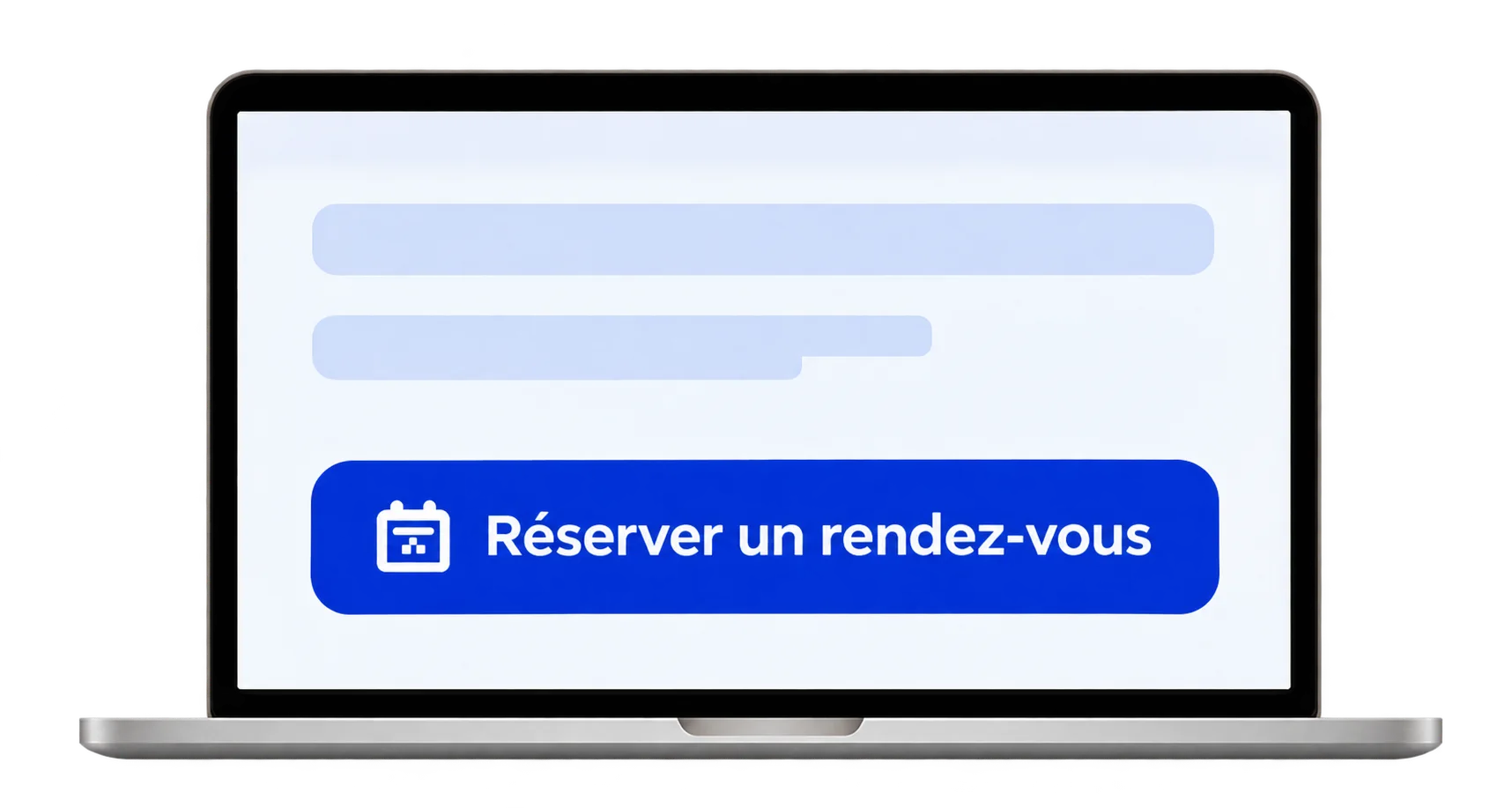
How to add booking to your website
We set up your booking page
Tell us what services you offer, how long they take and when you’re available. We set up your booking page and calendar.
Add a button to your website
The button opens your booking page, hosted by Crafteno. If your website supports it, we can also embed the form on your site.
Your clients book online
They choose a service and an available time. The appointment appears in your Crafteno calendar.
MassageRelax, a WordPress example
The MassageRelax demo site has the Crafteno form built into its booking page. Visitors can choose a service and a time without leaving the site.
See the MassageRelax booking pageFrequently asked questions
Do I need to rebuild my website?
You keep your website, its address and your hosting provider. You just need to be able to add a link or button to the page of your choice.
Can I embed the form on my website?
Send us your website address and we’ll check which option suits it. You can always link to the booking page hosted by Crafteno.
What does setup include?
We agree the services, booking rules and setup with you. You can then try the booking process before making it available to your clients.
Show us your website
Send us its address and tell us how you currently manage appointments.
Tell us about your project